
Seasons By MnegronS 🇵🇷
Ambassador©
©

For me, it is very important to follow this process with my printer whenever I'm going to be away from my workshop for more than two days. It's essential to remove the ink cartridges to ensure that the printhead does not come into contact with dried ink, preventing permanent damage during the printer's inactive period.
Detailed steps to put our printer in vacation mode:
•Initial cleaning: In the ProRip software, perform a printhead cleaning and check with a nozzle test.
•Prepare dampers: Use a spare set of dampers and fill them with printhead cleaning solution.
•Replacement: Replace the current ink dampers with the ones containing the cleaning solution.
•Waste cleaning: Draw about 5–10 ml of liquid from the rear waste ink tube using a syringe.
•Finalization: Perform a last printhead cleaning from the software, turn off the printer, and secure the printhead.
I hope my post is helpful to you. 🥰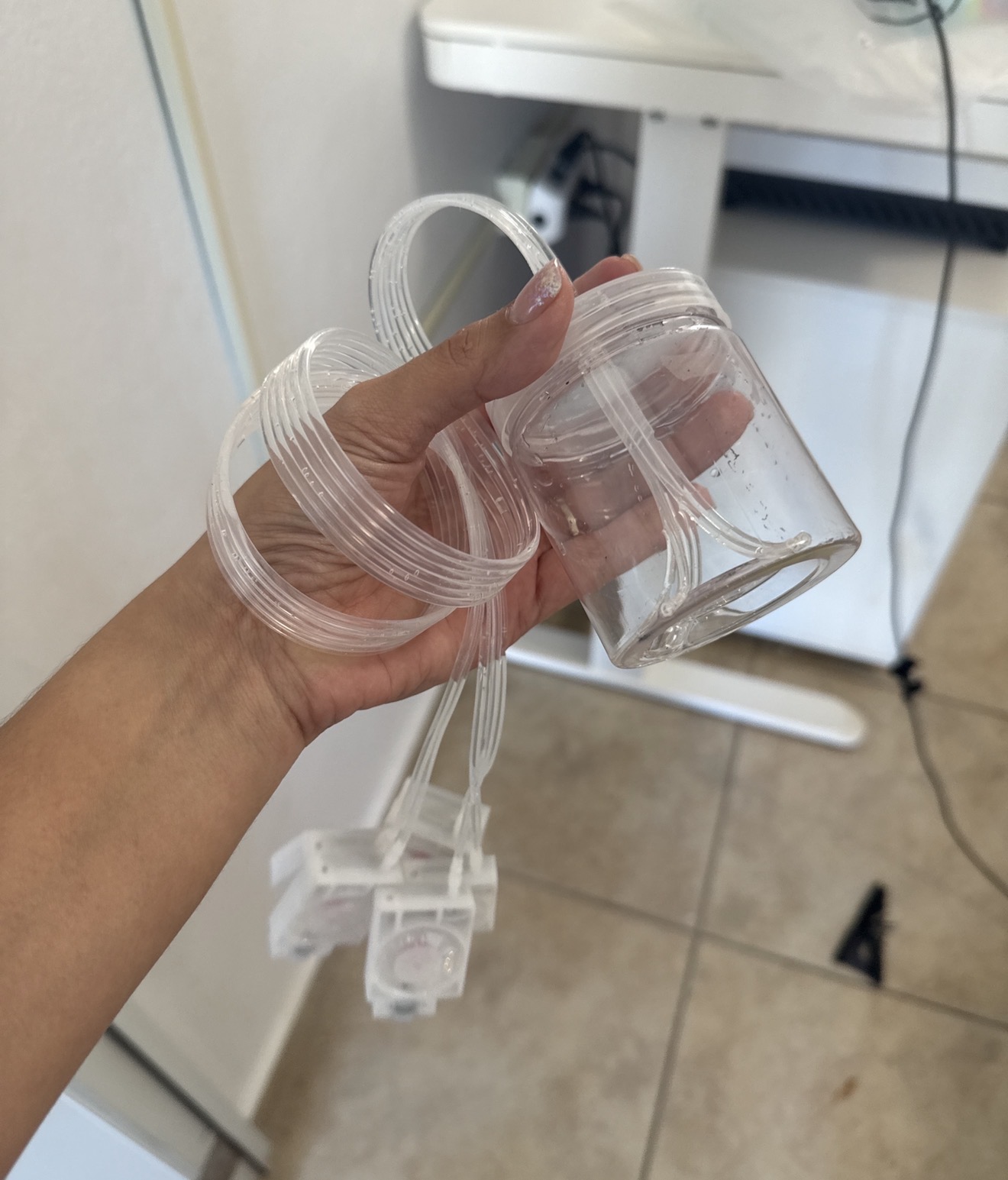


Comment